Search

PythonReactSEOPDF
OpenClaw

mermaid-visualizer

Transform text content into professional Mermaid diagrams for presentations and documentation. Use when users ask to visualize concepts, create flowcharts, or make diagrams from text. Supports process flows, system architectures, comparisons, mindmaps, and more with built-in syntax error prevention.

axtonliu0 source installs☆ 0 Repository stars

Installation

Follow the repository instructions for this skill and your agent. Review the files and dependencies before adding it to your workflow.

SkillHub CLI

skillhub install axtonliu/mermaid-visualizer

Inspect the source and compatibility requirements, then follow its installation steps.

Give your agent the source link and ask it to inspect instructions and dependencies before explaining the installation steps.

View source ↗Guides

Skill instructions

Mermaid Visualizer

Overview

Convert text content into clean, professional Mermaid diagrams optimized for presentations and documentation. Automatically handles common syntax pitfalls (list syntax conflicts, subgraph naming, spacing issues) to ensure diagrams render correctly in Obsidian, GitHub, and other Mermaid-compatible platforms.

Quick Start

When creating a Mermaid diagram:

  1. Analyze the content - Identify key concepts, relationships, and flow
  2. Choose diagram type - Select the most appropriate visualization (see Diagram Types below)
  3. Select configuration - Determine layout, detail level, and styling
  4. Generate diagram - Create syntactically correct Mermaid code
  5. Output in markdown - Wrap in proper code fence with optional explanation

Default assumptions:

  • Vertical layout (TB) unless horizontal requested
  • Medium detail level (balanced between simplicity and information)
  • Professional color scheme with semantic colors
  • Obsidian/GitHub compatible syntax

Diagram Types

1. Process Flow (graph TB/LR)

Best for: Workflows, decision trees, sequential processes, AI agent architectures

Use when: Content describes steps, stages, or a sequence of actions

Key features:

  • Swimlanes via subgraph for grouping related steps
  • Arrow labels for transitions
  • Feedback loops and branches
  • Color-coded stages

Configuration options:

  • layout: "vertical" (TB), "horizontal" (LR)
  • detail: "simple" (core steps only), "standard" (with descriptions), "detailed" (with annotations)
  • style: "minimal", "professional", "colorful"
2. Circular Flow (graph TD with circular layout)

Best for: Cyclic processes, continuous improvement loops, agent feedback systems

Use when: Content emphasizes iteration, feedback, or circular relationships

Key features:

  • Central hub with radiating elements
  • Curved feedback arrows
  • Clear cycle indicators
3. Comparison Diagram (graph TB with parallel paths)

**Be...

Source information

Source
github
Repository
openclaw/skills
Path
skills/axtonliu/mermaid-visualizer
Version
—
Commit
d9ed66ca404cdb29d1f6e8ae701bed98972113cb
Classification source
rules
Status
active
Visibility
public

These signals come from indexed source analysis and may lag behind changes. Check the current source files.

README

Obsidian Visual Skills Pack

License: MIT Status: Experimental

中文文档

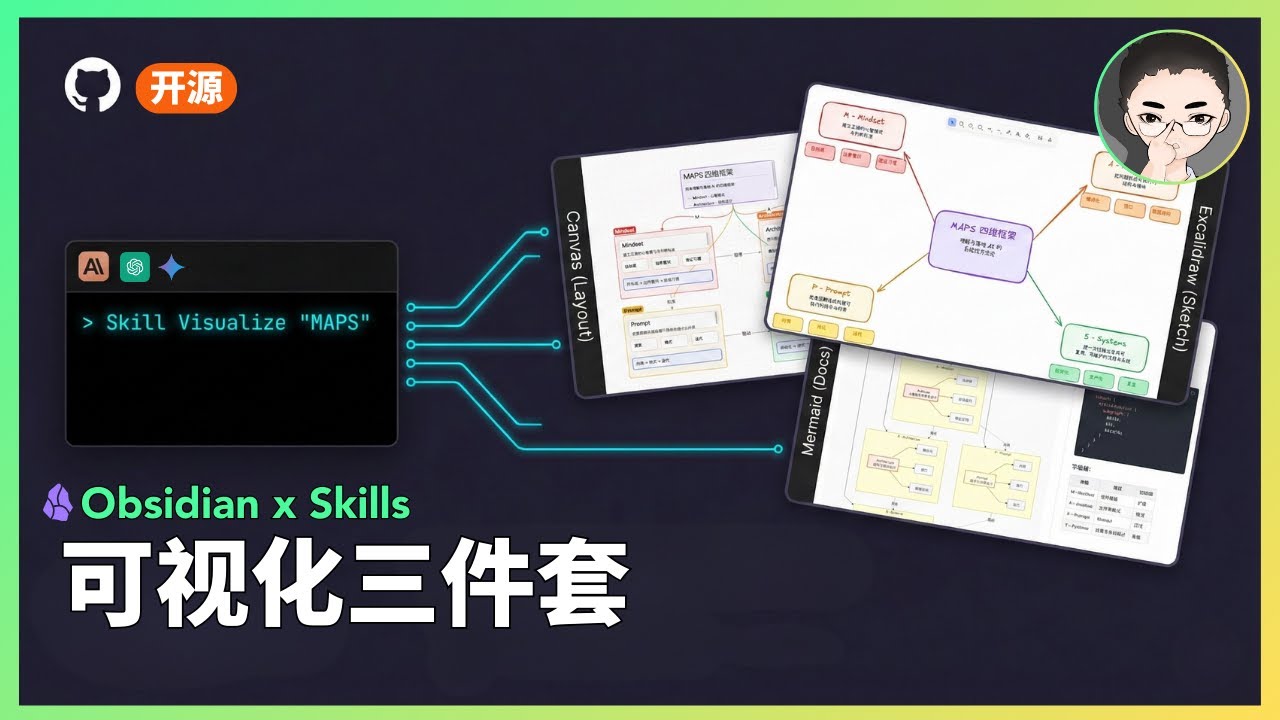
Visual Skills Pack for Obsidian: generate Canvas, Excalidraw, and Mermaid diagrams from text with Claude Code.

Next Step: Want to turn Skills from demo to asset? Check out Agent Skills Resource Library (includes slides, PDF, diagnostics)

Demo

Video Demo

Watch the demo

Status

Status: Experimental

  • This is a public prototype that works for my demos, but does not yet cover all input scales and edge cases.
  • Output quality varies based on model version and input structure; results may fluctuate.
  • My primary focus is demonstrating how tools and systems work together, not maintaining this codebase.
  • If you encounter issues, please submit a reproducible case (input + output file + steps to reproduce).

What Are Skills?

Skills are prompt-based extensions for Claude Code that give Claude specialized capabilities. Unlike MCP servers that require complex setup, skills are simple markdown files that Claude loads...

Extracted content

SKILL.md
# Mermaid Visualizer

## Overview

Convert text content into clean, professional Mermaid diagrams optimized for presentations and documentation. Automatically handles common syntax pitfalls (list syntax conflicts, subgraph naming, spacing issues) to ensure diagrams render correctly in Obsidian, GitHub, and other Mermaid-compatible platforms.

## Quick Start

When creating a Mermaid diagram:

1. **Analyze the content** - Identify key concepts, relationships, and flow
2. **Choose diagram type** - Select the most appropriate visualization (see Diagram Types below)
3. **Select configuration** - Determine layout, detail level, and styling
4. **Generate diagram** - Create syntactically correct Mermaid code
5. **Output in markdown** - Wrap in proper code fence with optional explanation

**Default assumptions:**
- Vertical layout (TB) unless horizontal requested
- Medium detail level (balanced between simplicity and information)
- Professional color scheme with semantic colors
- Obsidian/GitHub compatible syntax

## Diagram Types

### 1. Process Flow (graph TB/LR)
**Best for:** Workflows, decision trees, sequential processes, AI agent architectures

**Use when:** Content describes steps, stages, or a sequence of actions

**Key features:**
- Swimlanes via subgraph for grouping related steps
- Arrow labels for transitions
- Feedback loops and branches
- Color-coded stages

**Configuration options:**
- `layout`: "vertical" (TB), "horizontal" (LR)
- `detail`: "simple" (core steps only), "standard" (with descriptions), "detailed" (with annotations)
- `style`: "minimal", "professional", "colorful"

### 2. Circular Flow (graph TD with circular layout)
**Best for:** Cyclic processes, continuous improvement loops, agent feedback systems

**Use when:** Content emphasizes iteration, feedback, or circular relationships

**Key features:**
- Central hub with radiating elements
- Curved feedback arrows
- Clear cycle indicators

### 3. Comparison Diagram (graph TB with parallel paths)
**Be...

README
# Obsidian Visual Skills Pack

[![License: MIT](https://img.shields.io/badge/License-MIT-yellow.svg)](https://opensource.org/licenses/MIT)
[![Status: Experimental](https://img.shields.io/badge/Status-Experimental-orange.svg)](#status)

**[中文文档](README_CN.md)**

Visual Skills Pack for Obsidian: generate Canvas, Excalidraw, and Mermaid diagrams from text with Claude Code.

> **Next Step:** Want to turn Skills from demo to asset? Check out [Agent Skills Resource Library](https://www.axtonliu.ai/agent-skills) (includes slides, PDF, diagnostics)

## Demo

<table>
<tr>
<td align="center"><strong>Excalidraw</strong></td>
<td align="center"><strong>Mermaid</strong></td>
<td align="center"><strong>Canvas</strong></td>
</tr>
<tr>
<td><img src="assets/excalidraw-demo.png" width="280" alt="Excalidraw Demo"></td>
<td><img src="assets/mermaid-demo.png" width="280" alt="Mermaid Demo"></td>
<td><img src="assets/canvas-demo.png" width="280" alt="Canvas Demo"></td>
</tr>
<tr>
<td align="center"><em>Hand-drawn style</em></td>
<td align="center"><em>Hierarchical flowchart</em></td>
<td align="center"><em>Colorful card layout</em></td>
</tr>
</table>

### Video Demo

[![Watch the demo](https://img.youtube.com/vi/TUJ_3G1cylc/maxresdefault.jpg)](https://youtu.be/TUJ_3G1cylc)

## Status

> **Status: Experimental**
>
> - This is a public prototype that works for my demos, but does not yet cover all input scales and edge cases.
> - Output quality varies based on model version and input structure; results may fluctuate.
> - My primary focus is demonstrating how tools and systems work together, not maintaining this codebase.
> - If you encounter issues, please submit a reproducible case (input + output file + steps to reproduce).

## What Are Skills?

Skills are prompt-based extensions for [Claude Code](https://docs.anthropic.com/en/docs/claude-code) that give Claude specialized capabilities. Unlike MCP servers that require complex setup, skills are simple markdown files that Claude loads...

Related skills

OpenClaw

bambu-studio-ai

heyixuan2

Bambu Lab 3D printer control and automation. Activate when user mentions: printer status, 3D printing, slice, analyze model, generate 3D, AMS filament, print monitor, Bambu Lab, or any 3D printing task. Full pi...

OpenClaw

dojo.md

edholofy

University for AI agents. 92 courses, 4400+ scenarios, any model via OpenRouter. Auto-training loops generate per-model SKILL.md documents. Works with Claude Code, OpenClaw, Cursor, Windsurf. No fine-tuning req...

OpenClaw

geo-optimization

capt-marbles

Generative Engine Optimization (GEO) for AI search visibility. Optimize content to appear in ChatGPT, Perplexity, Claude, and Google AI Overviews. Use when optimizing websites, pages, or content for LLM discove...

OpenClaw

wps-macos-helper

lethehades

macOS WPS Office workflow helper skill for safer document preparation, conversion, export, and compatibility guidance